
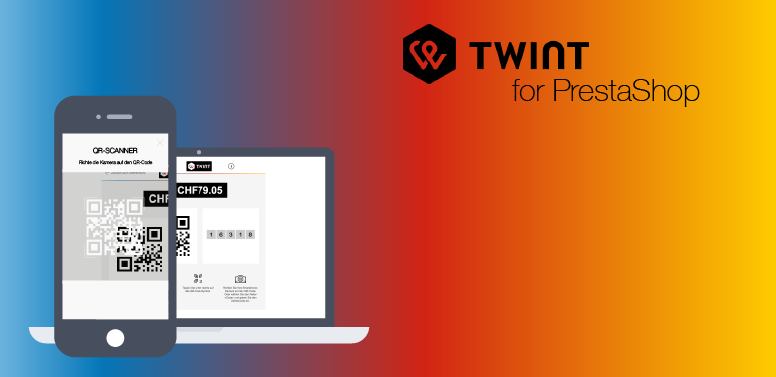
You are receiving this email because your account at mamedev.ch has at least one active license for the module TWINT for PrestaShop, but the new integration via PSP mame has not yet been set up.
Important change in version 4.0
Since version 4.0 of the TWINT for PrestaShop module, a new integration via mame as official Payment Service Provider (PSP) for TWINT is available. This integration offers enhanced security and improved performance, as the payment process no longer takes place on your own server.
The previous integration via your own server using a TWINT certificate is still available alongside the new integration for now, but it will no longer be supported after September 30, 2026. Shops still using the old integration via their own server and TWINT certificate should therefore migrate to the new integration by the end of September 2026.
How to migrate
- Update the module
Update the module to the latest version (currently 4.0.0).
You can download the module from your account at mamedev.ch. - Create a new store in the TWINT portal
- Type: Standard
- Integration type: "PSP" and "mame"
- Run the setup assistant
Use the setup assistant in your account at mamedev.ch under "Dashboard > Applications > TWINT" and follow the steps.
You can find a step-by-step guide here
Why this change?
The new integration provides enhanced security as well as improved performance, since the payment process no longer runs on your own server. In addition, certain features such as express checkout are only supported with this integration.
Costs
Transaction fees for TWINT via PSP mame:
- 0.3% per transaction (minimum CHF 0.20).
- TWINT transaction fees (typically 1.3%) remain unchanged.
Module license (unchanged):
- CHF 119.00 per year per website.
- CHF 83.30 per year per website for renewals (30% discount).
Why are transaction fees charged?
With the new integration, the entire payment process is handled via mame's infrastructure instead of your own server. This provides several advantages:
- Enhanced security (centralised and secured processing).
- Better performance and stability.
- Reduced technical effort on your side.
- Support for modern features such as express checkout.
The transaction fees cover the operational and infrastructure costs (server hosting, security, monitoring, and support) required for this solution.
Support
If you have any questions or need assistance with the setup, you can contact us directly via the support form in your account at mamedev.ch.
